
Float View Network Monitor2.7.6 - Get APK
You'll be able to download in few seconds.
Publisher Description
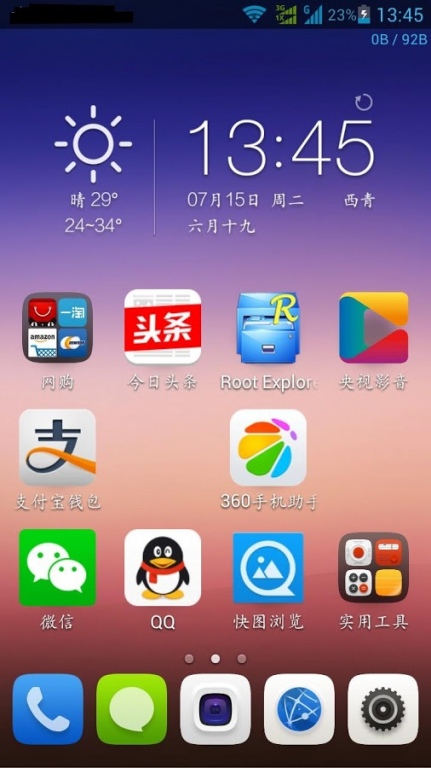
Similar to computer 360 Internet traffic monitoring suspended bar!
Games online at the same time can monitor the network at any time the total flow, the flow rate.
Supports all Mobile, China Unicom, telecommunications operators, traffic can monitor!
C Network (CDMA1X, EVDO), G network (including G, WCDMA, TD-SCDMA), WIFI network.
Transparent floating window can change color, variable styles, were up and down the line, can significantly used / remaining package flow
Android2.1 and above systems! To meet your individual requirements
1: C, G network traffic monitoring
2: WLAN traffic monitoring
3: Real-time flow rate display
4: floating window multiple parameter settings
5: support traffic statistics
6: The floating window can be transparent, can change color, variable styles
7: The floating window can be any drag
8: Batch Uninstall / uninstall (silently requires root)
9: Application flow statistics (need 2.2 and above)
10: wisecrack function
11: engineering mode and fieldtest of shortcut entrance
12: system API statistics, improve compatibility (2.2 and above)
About Float View Network Monitor
The company that develops Float View Network Monitor is ponphy. The latest version released by its developer is 2.7.6.
To install Float View Network Monitor on your Android device, just click the green Continue To App button above to start the installation process. The app is listed on our website since 2017-03-30 and was downloaded 0 times. We have already checked if the download link is safe, however for your own protection we recommend that you scan the downloaded app with your antivirus. Your antivirus may detect the Float View Network Monitor as malware as malware if the download link to sd.floatview is broken.
How to install Float View Network Monitor on your Android device:
- Click on the Continue To App button on our website. This will redirect you to Google Play.
- Once the Float View Network Monitor is shown in the Google Play listing of your Android device, you can start its download and installation. Tap on the Install button located below the search bar and to the right of the app icon.
- A pop-up window with the permissions required by Float View Network Monitor will be shown. Click on Accept to continue the process.
- Float View Network Monitor will be downloaded onto your device, displaying a progress. Once the download completes, the installation will start and you'll get a notification after the installation is finished.
Program Details
System requirements
Download information
Pricing
Version History
version 2.7.6
posted on 2017-03-30
2.7.6
1: add wifi grap
2: optimi software about android version
version 2.7.2
posted on 2014-09-03
2.7.2update,1: support full the screen drag (contains a status bar),2: floating window 4.0 system lock screen visible, 2.3 system to prohibit drag state lock screen visible
version 2.5.9
posted on 2013-06-14
Several fixes and updates
Disclaimer
External Download
We do not host Float View Network Monitor on our servers. We did not scan it for viruses, adware, spyware or other type of malware. This app is hosted by Galad and passed their terms and conditions to be listed there. We recommend caution when installing it.
The APK Download link for Float View Network Monitor is provided to you by apps112.com without any warranties, representations or guarantees of any kind, so access it at your own risk.
If you have questions regarding this particular app contact the publisher directly. For questions about the functionalities of apps112.com contact us.
